Agencore connects agency projects, monthly retainers, clients, talent, scope changes, approvals, invoices, payment records, planning and reporting in one workspace.
Agencore questions and answers
Understand the platform before you move your work
Learn how accounts, client portals, talent access, payment records, subscriptions, security and trials work in Agencore.
Client delivery•Monthly retainers•Finance tracking•Agency analytics
Common questions
Everything you need to know
Still evaluating? Explore the platform during the free trial using a real agency workflow.
Agencore records invoices and payments while your agency receives money through its own preferred banking or payment channels. You remain in control of the client relationship and funds.
Yes. Clients and talent receive focused role-based access. Clients can review work, files, approvals and invoices, while talent see only the projects and information assigned to them.
White-label branding is available with the eligible package. It lets agencies apply their logo, colors and public profile while the subscription remains active.
Your records remain stored, while workspace changes are restricted until you select a package. Paid accounts see their current package and renewal status.
Choose an existing client and service, then set the monthly fee and billing date. Each recorded payment creates a paid invoice and sends the client an invoice email. Retainers have their own billing view. Payments are recorded after you receive them; billing dates do not automatically charge a card.
Yes. Manually onboard clients and talent under your agency. New accounts receive a welcome email with initial access details. Administrators can send client login help and activate a retainer for an agreement already made outside the platform.
New orders save their agreed scope. Additional work can be proposed with changes to price, delivery time and revision allowance. Those changes take effect after the client accepts the request.
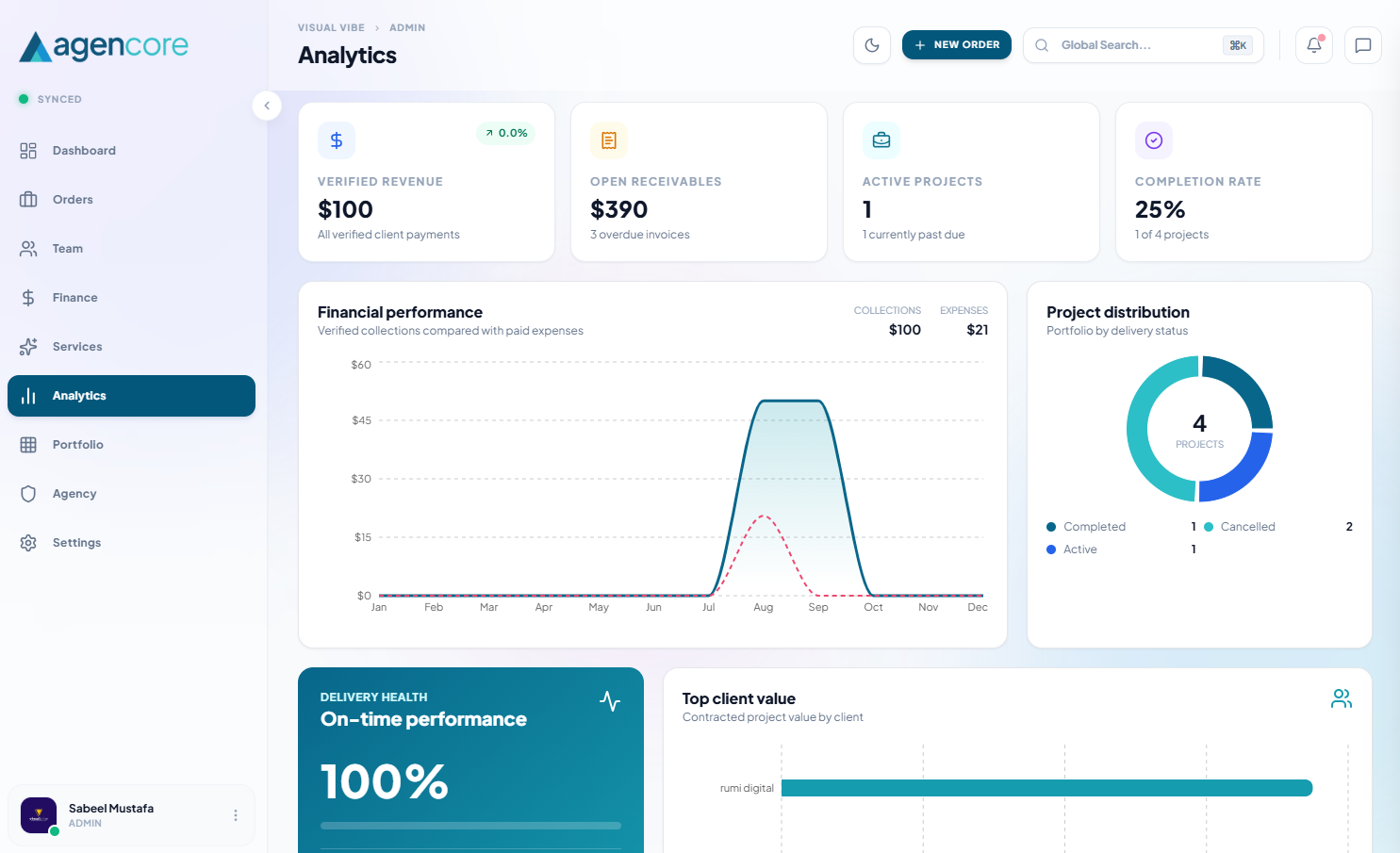
Agencore includes project cost entries, time entries and approvals, workload planning and a resource calendar. Reports depend on the records entered; collections and recorded contribution are not audited net profit. Access depends on your plan and permissions.
Slack project updates use an incoming webhook. Google Calendar supports a manual, one-way sync of milestone deadlines to the connected account's primary calendar. Connections require setup and authorization; existing calendar events are not imported.
Give your agency one place to move work forward
Start with your projects, clients and team. Add financial and reporting workflows as your operation grows.
Agency software questions
Test the details that matter to your operation
What should you check during the trial?
Test your client and team access with a complete sample workflow. Create an order, assign the work, review a deliverable and inspect the resulting payment records. Check your chosen plan limits with the people who will actually use the workspace.
How do you handle an agreement made outside the platform?
An agency administrator can record an existing client agreement when activating a retainer. Keep a clear note of where the agreement was made. Billing history then remains accessible in the retainer view, alongside invoices for recorded payments.
Practical agency operations guides
Invoicing software for agencies
Compare invoice records, payment follow-up and what to test before choosing an agency billing workflow.
Read guideAgency capacity planning
Plan team availability and upcoming work before accepting another client deadline.
Read guideClient portal launch checklist
Set up client access, reviews, approvals and invoicing with a clear launch checklist.
Read guide