Growing an agency usually adds tools faster than it adds clarity. A project board manages tasks, chat handles quick questions, cloud storage holds files, accounting software tracks invoices, and a spreadsheet fills the gaps. Each tool may work, but the agency still spends time rebuilding the complete story of a client project.
The best agency management software is not the product with the longest feature list. It is the system that keeps delivery, responsibility, client communication and financial records connected well enough that your team can answer important questions without hunting through five applications.
This guide explains how to compare platforms using the real workflow of a service agency.
Start with the workflow your agency sells
Before comparing products, map one representative project from inquiry to final payment. Include the client brief, quote or package, assigned people, milestones, review rounds, approval, invoice, payment record and final delivery. This exposes the handoffs that software must support.
Ask where information is copied manually. If the project manager enters a client name in a task board, creates the same client again in invoicing software and updates a separate profitability sheet, the process is creating duplicate records. Software should reduce those repeated steps.
Seven capabilities worth comparing
1. Project and order management
The platform should turn an accepted request into a structured project with an owner, scope, value, dates and status. Tasks alone are not enough when the agency also needs milestones, files, approvals and a financial history.
2. Client access
A client portal should show progress, deliverables, feedback requests, approvals, invoices and payment status without exposing internal discussions or costs. Test the portal on a phone as well as a desktop because clients often respond away from their desks.
3. Team and freelancer permissions
Owners, employees, contractors and clients need different views. Confirm that permissions follow the project and that freelancers cannot browse unrelated clients, private margins or other workers' payout records.
4. Capacity and accountability
Managers need to know who owns each outcome, what is overdue and where workload is becoming uneven. Useful capacity reporting comes from current assignments and deadlines rather than a separate spreadsheet maintained once a month.
5. Invoices and payment records
Agency software should keep invoices and verified payment records connected to the client and project. If the product records payments rather than processing them, it should say so clearly and preserve the currency used for every transaction.
6. Reporting
Good reporting answers operational questions: Which projects are overdue? How much has been collected? What remains outstanding? Which clients create the most value? Which services are repeatedly delayed? A dashboard is useful only when its numbers trace back to real records.
7. Security and data ownership
Review role-based access, account isolation, backups, export options and deletion procedures. Ask what happens to files and records if you cancel. A low monthly price is not valuable if leaving the platform means losing your operational history.
Build a weighted comparison scorecard
Avoid choosing software from a polished demo alone. Give every requirement a weight from one to five, then score each product against the same test project.
- Workflow fit: Can it represent your real delivery process?
- Adoption: Can the team understand the next action quickly?
- Client experience: Is the external view focused and professional?
- Financial visibility: Are invoices, payments and expenses connected?
- Permissions: Does every role see the right information?
- Reporting: Can managers answer weekly questions without exports?
- Portability: Can you retrieve your data in a useful form?
Multiply each score by its weight. This keeps a visually impressive but operationally weak feature from deciding the purchase.
Warning signs during a trial
Be cautious when a platform requires extensive custom configuration before one normal project can run. Also watch for unclear currency handling, permissions that depend on manual workarounds, dashboards built from stale imports and client portals that reveal internal details.
Run the trial with an active project rather than sample data. Invite one team member and, if appropriate, one trusted client. Record every point where someone returns to email, chat or a spreadsheet. Those gaps are more useful than a generic product checklist.
When an all-in-one platform makes sense
An integrated agency workspace is most useful when coordination costs are becoming visible: missed approvals, duplicate updates, unclear ownership, slow invoice follow-up or reporting that consumes hours each week. A specialist tool may still be better for deep accounting, design production or development. The goal is to create a dependable operating record that connects them.
Where Agencore fits
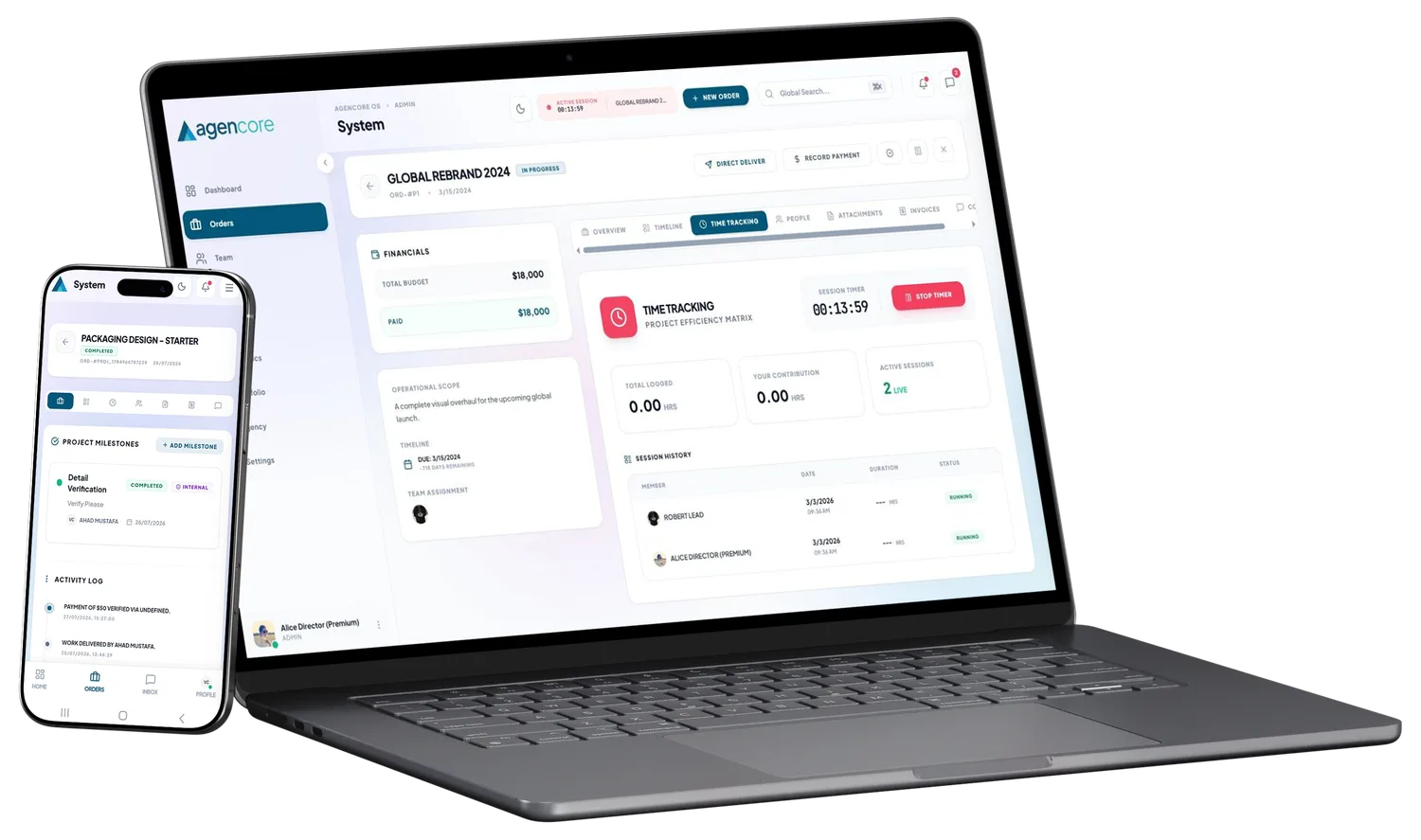
Agencore is designed for service agencies that want orders, projects, clients, team assignments, freelancer collaboration, milestones, time records, invoices, payment records, expenses, portfolios and analytics in one workspace. Role-based views separate owner, team, talent and client information.
The honest way to evaluate Agencore is to run one real project during the trial. Compare the number of handoffs, duplicated updates and unanswered questions with your current process. Choose it when the connected workflow saves time and gives clients a clearer experience.